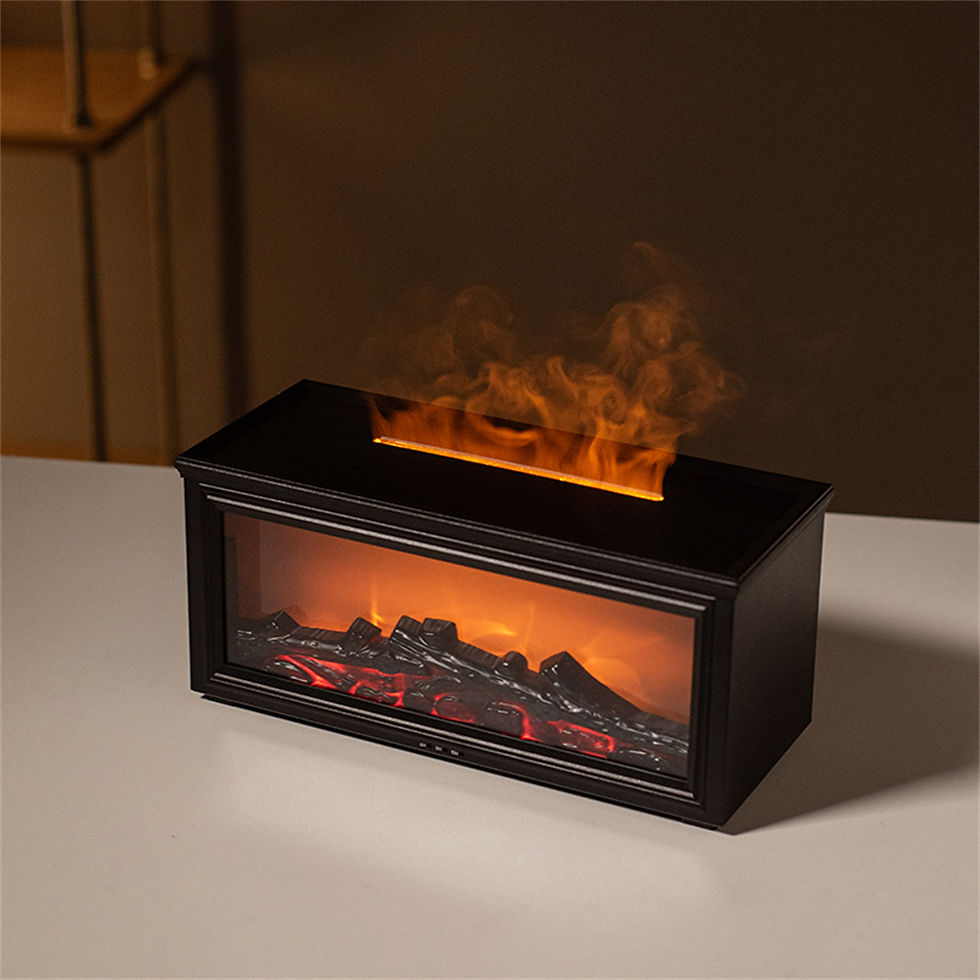
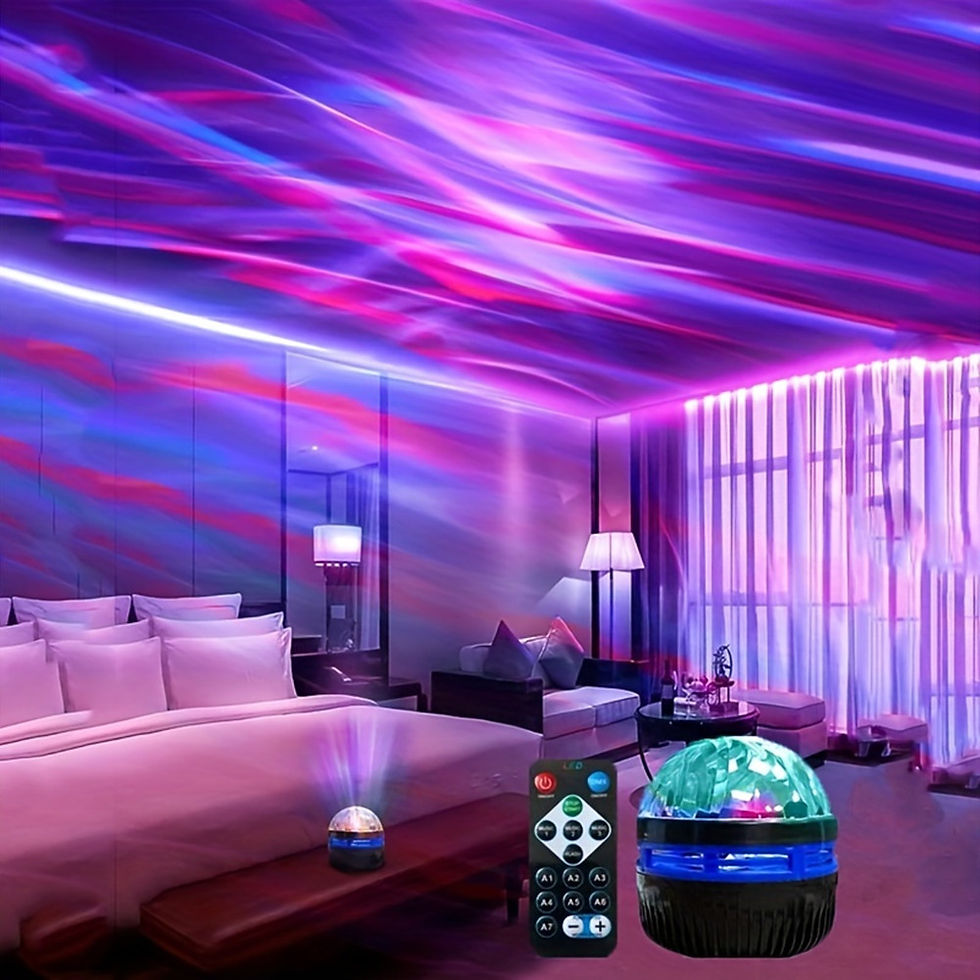
Air Humidifier Aromatherapy Diffuser for Home Desktop Ring Spray Electric Aroma
SPECIFICATIONS
Brand Name: NONE
Capacity: <1L
Certification: ce,ROHS
Choice: yes
Coverage Area: 21-30㎡
Filter Type: Others
Function: Aromatherapy
High-concerned chemical: none
Humidification Method: Mist Discharge
Humidifying Capacity: 30ml/h
Humidity Control: Touch-tone
Installation: USB
Mist Outlet Quantity: ONE
Model Number: JSQ-03
Noise: <36db
Operation Method: Remote control
Origin: Mainland China
Power (W): 10w
Power Source: USB
Power Type: USB
Shape: Other
Timing Function: No
Type: Ultrasonic Humidifier
Use: Household
Voltage: 5V
Water-shortage Power-off Protection: Yes
semi_Choice: yes
Parameters
Capacity: 200ML Timing: 1H/3H/5H Input: DC 24V Material: ABS+PP Fog volume: 10-25ML/H Product size: 132*132*142mm Function: Aromatherapy,Humidifition,Nightlight
Features
1. Can be added essential oil,spread pleasing fragrance,relax body and mind. 2. Prevent dry burn,automatically power-off when the water used up. 3. Timing shutdown,timed for 1/3/5 hours,convenient for use and save energy. 4. Silent humidification with decompression raindrop,helps sleep well at night and relieve stress.
Package includes
Aroma diffuser*1/Plug*1/User manual*1
Power Button Operating:
1, Click the power on button once to start spray, turn on the fan, and the fan reverses. The fan turns and stops for 3 seconds. The golden light is on, and the power on indicator is on. 2, Click the power button for the second time to enter the random spinning mode, and the fan will reverse once and stop (0.5-5 seconds randomly) 3, Click the power on button for the third time to start spray, and the fan keeps turning forward. 4, Click the power button for the fourth time to shut down. (Turn off the lights together) 5, Press and hold the power button for 3 seconds to convert the golden light into an RGB gradient color; Press and hold the switch again to fix the color of the light. Press and hold it for the third time to turn off the lights
Timing Button Operating:
1, Click the timer button once to set the timer for 1 hour, and the 1H indicator light will turn on. 2, Click the button again, set a timer for 3 hours, and the 3H indicator light will turn on. 3, Click the button for the third time, set the timer for 5 hours, and the 5H indicator light will turn on. 4, Click the button for the fourth time to cancel the timer, and the power on indicator light will turn on. Cycle.